TikCut 5.2 is on the App Store. Launch week: get GMV Maxxer for $59.99/mo instead of $99.99 — locked in for as long as you stay. Get the app

TikCut 5.2 — now on the App Store

AI Video Editor for TikTok & ReelsCut the dead air.
Keep the story.

Drop in your raw take — TikCut deletes the silences, the "um"s, and the duplicate takes. Clone your voice and speak any script in 16+ languages. And with every video, your personal AI editor learns to cut a little more like you. Minutes, on your phone.

7 days free · then $39.99/mo · Cancel anytime

tikcut.app/app raw take
your story dead air3:24 / 3:24
AK
MJ
SR
TL
CW
+609

614 creators already cut with TikCut

8:12 GRWM4:5141% shorter
3 takes of the hook1 clean cutduplicates gone
typed scriptspoken in your voiceno mic, no retakes
5:40 product review3:022:38 of silence cut
"um" ×11, "like" ×90script polished
English scriptvoiceover en Españolauto-translated
12:30 talking head7:44ready same hour
false start ×4straight to the pointauto-trimmed
one 30s recordingyour voice, forevercloned once
fixing the AI's cutsit cuts like you nowyour editor, taught

Built for TikTok Shop affiliates, creators & influencers

Four editors. One app.
Zero timeline-scrubbing.

These aren't concept mockups — this is TikCut as it ships on the App Store today. Pick the kind of video you're making and the right editor opens, already knowing what to do with it.

Talking HeadVoiceoverB-RollOverlays
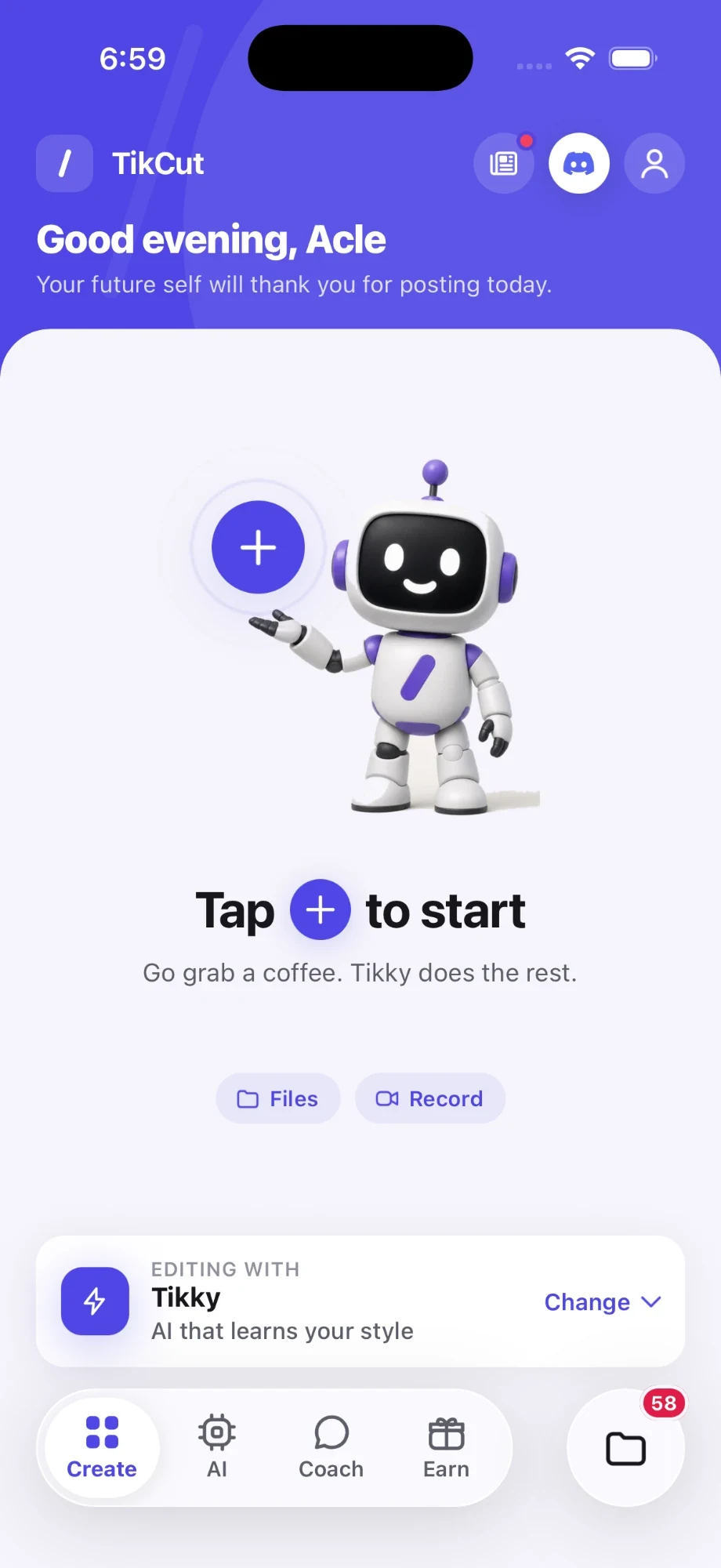
TikCut home screen — Talking Head, Voiceover, B-Roll and Overlays modes
TikCut talking-head editor — waveform timeline with 43 cuts applied and 1m 27s saved
Cut the dead air

Talking Head

Drop in a raw take. TikCut hands back a clip that's ready to post.

  • Silences, filler words & false starts cut automatically
  • Duplicate takes detected, keeping your sharpest delivery
  • Multi-take stitching into one clean video
  • Split, merge & fine-tune any cut by hand
TikCut voiceover studio — your cloned voice, any script, one-tap translate
Your voice, on demand

Voiceover

Clone your voice once. Then type any script and TikCut speaks it for you.

  • Voice cloned from a 30-second recording
  • Any script, spoken in your voice. No mic, no retakes
  • Auto-translate into 16+ languages
  • Lay clips over it and export ready to post
TikCut B-roll editor — three clips on a filmstrip timeline with split, trim and reorder
Your clips, one timeline

B-Roll

Cut your footage together on a classic timeline, right on your phone.

  • Trim, split & reorder clips on a familiar timeline strip
  • Mix camera footage, screen recordings & downloads in one video
  • Filmstrip thumbnails so you always know where you are
  • Send the finished cut straight into Overlays
TikCut overlays editor — image overlay pinned on a video with start/end timing
Make it pop

Overlays

The finishing pass: text, images, music, and zoom-ins on top of any edit.

  • Text & image overlays with timing you control
  • Keyframes so overlays move with your video
  • Background music mixed under your original audio
  • Zoom-ins that punch in exactly where you point

45 min — the manual edit

~60 sec — the TikCut edit

more videos posted

GMV Maxxer exclusive

An AI editor that edits like you.

Not a preset. Not a template. Your personal editor studies the cuts you keep and the cuts you fix, builds a profile of how you actually edit — your pauses, your pace, your style — and applies it to every new video.

  • Teach it once by reviewing a few of its cuts — every call you make is a taught moment it remembers
  • It learns your pace, how long you let a pause breathe, and which take you keep when you retry a line
  • Levels up from Taught to Tuned to In sync to Sharp as it matches more of your calls
  • Every export makes it sharper — approve its cuts or fix them, and the next edit starts closer to yours

Part of the GMV Maxxer plan · see what's included

Level 2

Tuned

Your editor matches 81% of your calls

212 taught moments588 to Level 3 · In sync

Taught

Lv 1

Tuned

now

In sync

Lv 3

Sharp

Lv 4

Fast talker — 198 wpm

quicker than 97% of creators

Dead air dies at 0.20s

you cut tighter than most

The last take wins

when you retry a line it keeps your final try

How it works

Raw take to ready-to-post in three taps.

01

Drop your raw take

Film like you always do — pauses, retakes, thinking out loud. Then drop the file straight into TikCut from your camera roll.

02

TikCut finds the dead air

The waveform is scanned in seconds. Silences, gaps, and duplicate takes light up on a visual timeline — tap any cut to fine-tune it.

03

Export and post

One tap renders a clean MP4 straight to your camera roll. From raw take to posted clip before the trend moves on.

Pricing

Two plans. One learns to cut like you.

Viral does the editing. GMV Maxxer adds your personal AI editor, plus the events and earning program that come with it.

Launch week: GMV Maxxer for $59.99/mo, locked in for life
Viral
$39.99/mo
7 days free, then $39.99/mo

Everything you need to post daily

  • Talking-head, voiceover, B-roll & overlay editors
  • Auto silence, filler & retake removal
  • Unlimited videos & 1080p exports
  • Private TikCut creators Discord
Launch week
GMV Maxxer
$99.99$59.99/mo

Subscribe this week and this price is yours for as long as you stay

  • Everything in Viral
  • Your personal AI editor that studies every cut you make and edits like you
  • Exclusive in-person TikCut events & parties
  • Earn with TikCut: up to 30% recurring commissions
  • Launch price locks in for life. Leave, and it's $99.99 to come back

Already a Top 1% member? Nothing changes — you keep every GMV Maxxer feature at your locked founding price. Full plan details

TikCut Earn tab — the affiliate program inside the app
Earn — built into the app

Get paid to share TikCut.

One tab in the app isn't an editor — it's a paycheck. Every subscriber gets a personal referral code on the Earn tab, live today.

  • Share your personal code — bio, comments, DMs, anywhere
  • They subscribe with it, you earn a commission
  • You keep earning every month they stay, paid via PayPal
How it works

Newsroom

Fresh from the cutting room.

All updates
NewsSep 3, 2026

Heads up!

A Quick Update from the TikCut Team 👋 Hey everyone! We wanted to give you a heads-up that our AI editor is currently experiencing a small technical hiccup, which may cause slightly slower processing times for a bit. Our team is already on it and working to get things running smoothly again as quickly as possible. We appreciate your patience — thanks for being part of the TikCut community! 💙

UpdateSep 1, 2026

Tikcut 5.2 is out!

Your AI editor just got sharper! * Precision Cuts: The AI now edits sentence-by-sentence, ensuring cuts land cleanly between words rather than interrupting them. * Auto-Trimmed Pacing: Dead air at the start and end of every line is automatically removed for a snappy, effortless flow. * Smart Take Selection: Repeated lines and false starts are instantly filtered out, leaving only your best delivery. * Seamless Audio Cleanup: Distractions like laughs, coughs, and heavy breaths between sentences are automatically muted. * Personalized Insights: The new AI tab reveals what the editor has learned about your unique style, including your talking speed, pacing preferences, and take habits. New Features & Enhancements * One-Tap Sharing: Send finished videos directly to TikTok or Instagram with a single tap. * Advanced Overlays: Includes new undo/redo functionality and precise timing controls for moving images. * Bulk Draft Management: Easily select and delete multiple drafts simultaneously to clear out clutter. * Refreshed Interface: Enjoy updated, modern designs across the loading screens, account page, and export menu. * Performance Polish: Routine bug fixes and under-the-hood optimizations for a smoother editing experience.

NewsAug 31, 2026

Tikcut 5.2 - Smarter and Sharper!

Your AI editor is seriously about to get sharper this coming * Precision Cuts: The AI now edits sentence-by-sentence, ensuring cuts land cleanly between words rather than interrupting them. * Auto-Trimmed Pacing: Dead air at the start and end of every line is automatically removed for a snappy, effortless flow. * Smart Take Selection: Repeated lines and false starts are instantly filtered out, leaving only your best delivery. * Seamless Audio Cleanup: Distractions like laughs, coughs, and heavy breaths between sentences are automatically muted. * Personalized Insights: The new AI tab reveals what the editor has learned about your unique style, including your talking speed, pacing preferences, and take habits. New Features & Enhancements * One-Tap Sharing: Send finished videos directly to TikTok or Instagram with a single tap. * Advanced Overlays: Includes new undo/redo functionality and precise timing controls for moving images. * Bulk Draft Management: Easily select and delete multiple drafts simultaneously to clear out clutter. * Refreshed Interface: Enjoy updated, modern designs across the loading screens, account page, and export menu. * Performance Polish: Routine bug fixes and under-the-hood optimizations for a smoother editing experience.

FAQ

Frequently asked questions

Is TikCut free?

TikCut is free to try for 7 days with full access to every editor. After the trial, Viral is $39.99/month for unlimited videos and 1080p exports. You can cancel anytime from your iPhone Settings before the trial ends.

Does TikCut work for TikTok Shop and Instagram Reels videos?

Yes. TikCut is built for TikTok Shop affiliates, Reels creators, and UGC video ads. It auto-cuts talking-head footage — removing silences, filler words, and duplicate takes — so you can turn raw product reviews into ready-to-post clips in minutes and post more often.

How is TikCut different from CapCut?

CapCut is a manual timeline editor — you scrub and cut every clip yourself. TikCut edits for you: it automatically removes dead air, "um"s, and retakes from talking-head videos, clones your voice for voiceovers, and on GMV Maxxer it learns your personal editing style over time.

Can TikCut remove filler words like "um" and "like" automatically?

Yes. TikCut scans your audio and automatically removes silences, filler words such as "um" and "like," false starts, and duplicate takes. Every cut shows on a visual timeline, so you can fine-tune or undo any edit by hand before exporting a clean MP4.

Can I make a voiceover in my own voice?

Yes. Record about 30 seconds once and TikCut clones your voice. Then type any script and it speaks the words in your voice — no mic or retakes needed — and can auto-translate the voiceover into 16+ languages for a global audience.

Is TikCut available on Android?

Yes. TikCut is on Google Play for Android and on the App Store for iPhone. One account works on both, and on the web.

Your next video is already filmed.
It just needs the cut.

Download TikCut, try everything free for 7 days — and catch the launch-week GMV Maxxer price while it's still $59.99/mo, locked in for as long as you stay.

7 days free · then $39.99/mo · Cancel anytime in Settings